
Discover how website analytics can boost your online presence. I’ll guide you through tracking traffic, understanding metrics, and optimizing your site for success.

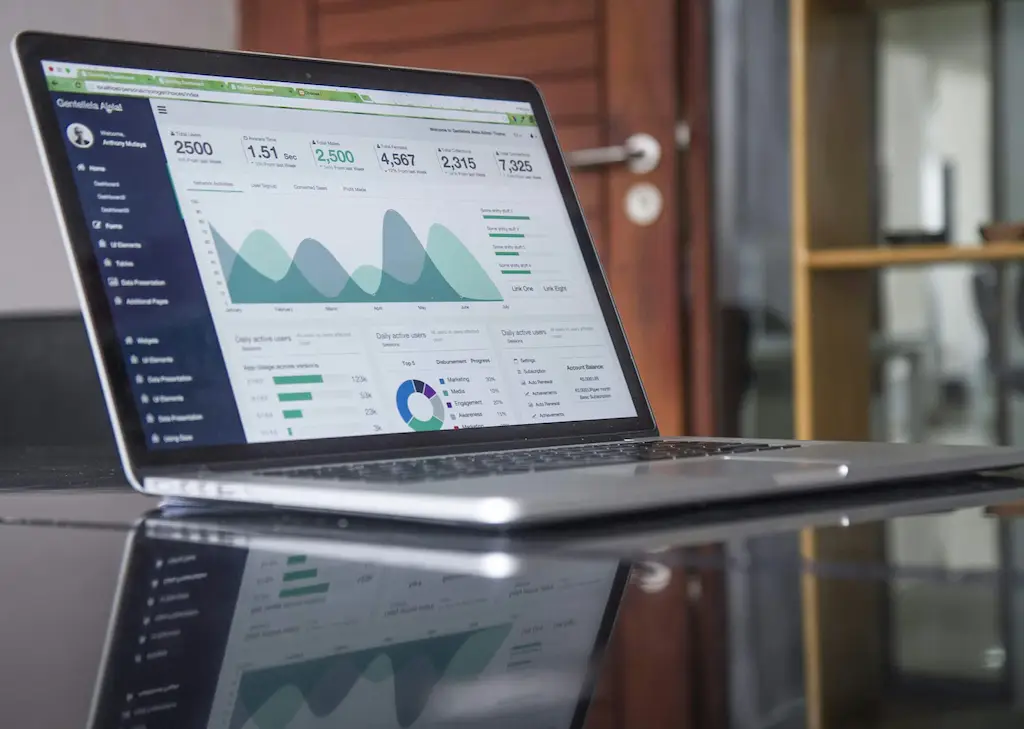
“Data is the new oil of the digital economy.” – Clive Humby, British mathematician and architect of the Tesco Clubcard1 In today’s online world, website analytics are vital for businesses to succeed. They help you learn about your site’s visitors, how they act, and what drives them to buy. This knowledge is key for smarter decisions and growing your digital footprint.
This guide dives into the universe of website analytics. It arms you with the know-how and tools to measure, comprehend, and enhance your online platform. We will discuss important measures, effective techniques, and common analytics systems. This will guide you in making choices backed by solid data, improving your site’s effectiveness, and achieving business triumph. No matter your experience level with web analytics, this piece will provide the guidance you need for success online.
Web analytics lets us track and understand the traffic and user behavior on our websites. It gives us key data that helps make our online spaces better for those who visit. This tool is all about using numbers to improve how people use and see our sites2.
It’s crucial to know who comes to our website and what they like. Web analytics helps by giving insights into visitor trends and activities. With this info, we can tweak our sites to be more appealing and successful2.
These tools let us answer big questions about our site’s performance. We can figure out how many visit, where they come from, and what they love most. Knowing these things helps make our online spaces more effective and enjoyable for users2.
Mixing web analytics with behavior tracking equals better user insights. It means we can make our site’s content more engaging, our marketing more effective, and overall boost user happiness2.
Tools like Google Analytics and others help gather and analyze all this important data. They give us the power to make smart decisions for our websites. With features like heatmaps and tests, we can really get into what works best for our users3.
Using web analytics is key to understanding our website’s visitors. It improves our online areas, checks our marketing’s success, and steers us towards decisions that make our business do better2. With the insights it brings, we can keep enhancing our sites for those who use them. This, in turn, improves what we offer to our customers2.
It’s vital to understand the main metrics in web analytics to evaluate your website and marketing efforts. These metrics show how many people visit your site and what they do there:
Keep an eye on these metrics by tracking and analyzing them regularly. This way, you can adjust your website and marketing to do better and see more gains645.
Understanding and improving your website’s performance is key. By using web analytics well, you can make smart business decisions. You can also make your website better for users. Here, we’ll look at some important tips for using web analytics effectively.
To get the most out of web analytics, connect your data with what your business aims to achieve7. Figure out which data points are crucial for your goals, like pageviews or where your visitors come from7. This ensures that the insights you get will really help your company move forward.
Collecting data is just the start. The real power comes from using that data wisely to make choices for your website7. Check out how your site is doing and what users are up to. Then, use that knowledge to make your content, marketing, and user experience better and more appealing to your audience.
While traffic is important, it’s not the only thing to focus on7. Other metrics, like how long people stay on your site or if they take action, tell you more about user involvement and site effectiveness7. By diving into these, you can find ways to make your site a better place for visitors.
To truly understand your data, you need the right context8. See where your traffic comes from and what people do on your site to spot trends that matter8. This kind of deep look helps you make decisions that really impact your website positively.
Getting the whole team involved in web analytics is important9. It helps share insights and best practices with everyone, leading to better teamwork and shared goals9. This way, everyone can use data to help the business do better and keep improving together.
Using these best practices will uncover the real value of your website’s data. It will help you make impactful decisions and grow your business9.
There are many web analytics tools to choose from. They vary from free options to more expensive ones. They help track and report on your website’s activity, like how many people visit and what they click on10. You can get tools that run on your site, like Google Analytics, or ones that work elsewhere, like SimilarWeb. These tools can be grouped into five main types: traditional, behavior, journey, content, and SEO analytics10.
Google Analytics is a top pick for many users. It’s free and gives you lots of info about your website’s traffic and how people use it. Nearly a third of websites trust it for their analytics needs. It comes in free and paid versions, with the highest tier costing $150,000 a year101112.
Flywheel focuses on WordPress sites. It shows you how your site is doing and what your visitors are up to. It has many handy features, such as monitoring traffic in real time and creating custom reports. Plus, it works well with common marketing tools.
Crazy Egg specializes in seeing how users behave on your site. It uses heat maps to show where people click the most. This information helps improve how your site works for visitors. It also offers tools like scroll and click maps, along with recordings of user visits, to dive deep into user behavior.
Hotjar combines tools to visualize what users do on your site. It includes heat maps, feedback forms, and session recordings. This all-in-one platform is great for spotting problems and making user-focused improvements11.
These tools are just a taste of what’s out there. Each one has its own strengths, making it suitable for different kinds of businesses. With the web analytics market always growing, businesses are spoiled for choice to better understand and improve their website’s performance.

In Australia, I’ve spent over 16 years working in digital marketing13. Website analytics are crucial for finding insights and making your site better. Tools like Google Analytics help us understand how our website is doing13.
Analytics can show us key metrics affecting our site’s success. We look at things like page speed, where our visitors come from, and how often they buy13. This helps us fix issues and make choices that improve how people use our site13.
A high bounce rate might mean visitors don’t like what they see14. By studying where people leave, we can change our site to keep them interested. We aim to attract more visitors and turn them into customers by making our site better14.
A/B testing is another key analytics tool13. It involves trying out different webpage versions. This method helps us pick the best features that draw in our audience13. As we learn what works best, our website becomes more user-friendly and engaging.
Keeping up with analytics tools is also vital15. Google Analytics 4, for instance, brings new features to understand users better. It provides deeper insights into user behavior, helping us improve our site further15.
In the end, using analytics makes a huge difference in your online success. With the right data and strategies, we can make our websites more popular and effective. I’m dedicated to using analytics to help our customers meet their aims in the ever-changing digital world131415.
Website analytics is key for businesses to learn about their online presence. It helps them understand what visitors do on their site. This info guides them in making their marketing better and in making smart decisions for their digital plan16.
Two types of web analytics are on-site and off-site17. On-site looks at how visitors behave on the company’s website. It shows data like traffic, bounce rate, and how visitors engage with the site. Off-site analytics covers a brand’s performance outside its website. This includes social media, online reviews, and referrals17.
Using both on-site and off-site analytics gives a complete view of a business’s online reach. This knowledge lets them tweak their website and improve marketing. It also helps in building a better experience for users17.
| Metric | On-site Web Analytics | Off-site Web Analytics |
|---|---|---|
| Traffic Sources | Organic search, referrals, direct, social, paid ads | Social media engagement, online reviews, backlinks |
| User Engagement | Time on page, bounce rate, pages per session | Social media shares, comments, mentions |
| Conversion Metrics | Ecommerce transactions, form submissions, content downloads | Lead generation, customer acquisition from external channels |
By using both on-site and off-site analytics together, businesses get a clear image of their digital standing. This helps them make choices for better growth, customer involvement, and a stronger online presence17.
“Web analytics is the measurement, collection, analysis, and reporting of web data to understand and optimize web usage.” – Google Analytics
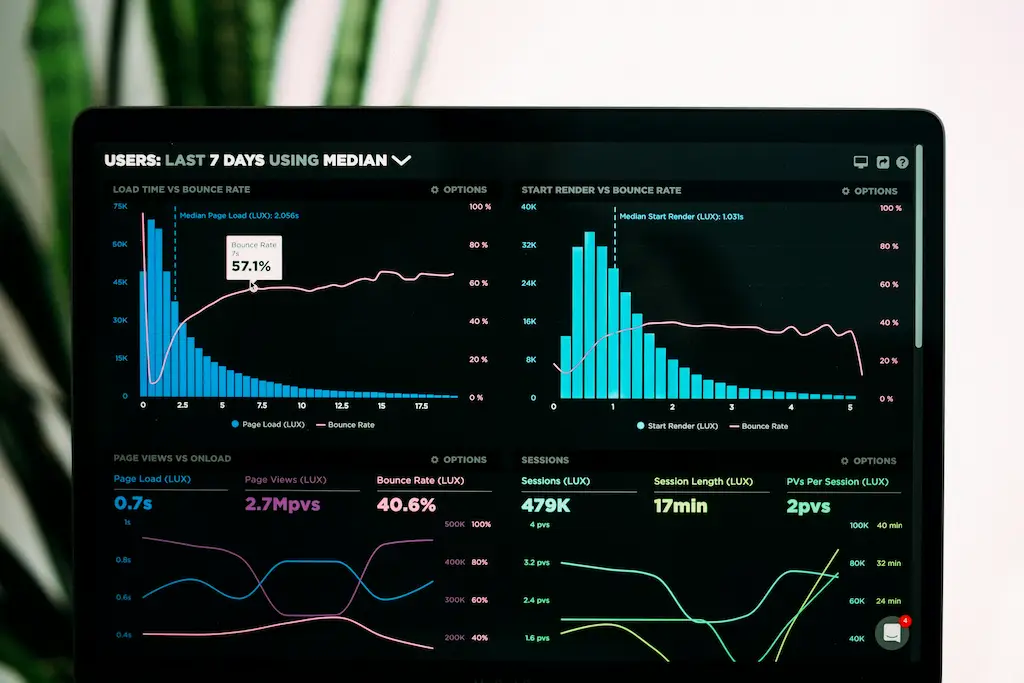
Good web analytics doesn’t just show how a website is doing. It also gives insights into marketing, the effectiveness of the content, and what users like. Businesses use this info to get stronger online, offer a better experience to customers, and grow their business161718.
When studying your website’s data, it’s key to follow important metrics. This helps you see how well your site is doing. It also guides you in making smart choices. Important areas to look at include where your visitors are coming from, how engaged they are, and if they’re turning into customers.
Understanding where your site’s visitors come from is very enlightening. It shows how well your marketing is working. Recent data reveals that19 51 percent of traffic is from organic search. This makes optimizing for search engines crucial. Also, the Traffic Sources metric reveals the share each source contributes to your overall traffic.
Metrics like how long people stay on a page, bounce rates, and CTRs are vital. They show how engaging your site is. The average CTR is 2.6 percent, signaling if yours is above average, that’s good news. For instance, if people stay longer on your site, it means your content is interesting to them. However, a high bounce rate shows that many leave without exploring further.
It’s important to track how many visitors actually convert into customers. Knowing this helps evaluate your marketing. For example, the conversion rate lets you plan and budget better. This measures how effective your site is at turning visits into actions, like a purchase or a download.
By keeping an eye on these metrics, you’ll know your site’s strengths and areas to work on. This knowledge empowers you to make your site better. It can lead to more visitor engagement, increased sales, and business expansion.
Understanding and improving your website’s performance is key. Google Analytics, Adobe Analytics, and Mixpanel20 are top choices. They help track visitor actions and trends.
Google Analytics is used by over 29 million websites20. It shows a lot of data, like pageviews and bounce rates. But, it might overestimate bounce rates for various reasons20. It’s beneficial but might not show the full picture of user interaction or social media impact20.
Adobe Analytics, once known as Omniture, is a strong option. It provides deep insights into customer behavior. This helps companies make smarter choices based on solid data20. It’s favored by big companies and those needing complex analytics.
Mixpanel is a go-to for many businesses, serving over 10,000 and handling $10 billion in transactions20. It looks closely at user interaction to improve engagement. This focus helps businesses shape their digital spaces for better results.
Aside from these, platforms like Crazy Egg and Hotjar offer unique features. Crazy Egg concentrates on improving how users move through sites and convert. On the other track, Hotjar gives feedback via polls and surveys20.
Picking the best tool means considering what you want to achieve and what data you need. With the right tool, making your website better and smarter digital moves is easier202122.
I’m a professional copywriting journalist excited to talk about top web analytics practices. These strategies are key for making smart business decisions and boosting your web presence. Let’s look at the steps to make your site perform even better.
Start by aligning your web analytics with your business goals23. It’s crucial to focus on metrics like conversion rates and customer retention. They directly affect your profits23. With the right data, you can improve user experience and boost your sales23.
Don’t just focus on the traffic24. Page views and unique visitors are crucial, but you need to go deeper. Understanding user engagement through metrics like time on page and returning visitor rates is essential24. This knowledge helps you optimize your website for more effective conversions.
It’s vital to take a comprehensive approach to web analytics. By aligning metrics with business goals, using insights to make decisions, and choosing the best tools, you can fully optimize your site. This leads to more success online232425.
“We grew to 100k/mo visitors in 10 months with AIContentfy” – Founder of AIContentfy
Website analytics helps businesses big and small. It shows them how they’re doing online. This info is key for making smart choices based on data26.
There are many tools like Google Analytics to understand site performance. They help spot where a website needs to do better26. Mixing these tools with your business goals and team insights lets you fully use analytics27.
In today’s world, using data to understand the web is a must. It’s essential for making any online plan work well. With the right approach, we can make our sites better for visitors and business262728.
Web analytics shows you how many people visit your site. It lets you see what they do there. This info helps you find ways to improve your site and make it better for visitors.
Looking at where your site traffic comes from is key. Also, seeing how much time visitors spend on your site and if they do what you want them to do are important.
Make sure the data you gather fits with your business goals. Use this information to guide your decisions. Don’t forget to look at more than just how many people visit. Add context to your data. And share what you learn with everyone involved in your project.
Google Analytics, Flywheel, Crazy Egg, and Hotjar are some top tools. They help you gather and understand data from your website.
Web analytics can help you spot areas that need work. It can also show you where you’re doing well. You can then focus on making your content better, improving how users interact with your site, and boosting your search engine results.
Web analytics is crucial for a business. It helps you understand your site visitors better. You can then use this data to make your site more effective and draw in more people.
Focus on where your traffic is coming from. Also, measure how engaging your site is. And don’t forget about success rates in achieving your goals.
Google Analytics, Adobe Analytics, and Mixpanel are widely used. They are trusted by many to provide essential insights into website performance.
Stick to best practices like making sure your analytics match your business aims. Use data to guide your decisions. Remember, it’s about more than visitors. Always provide context for your information and share insights widely.